All type of Adjustments
Guide for All type of Adjustments
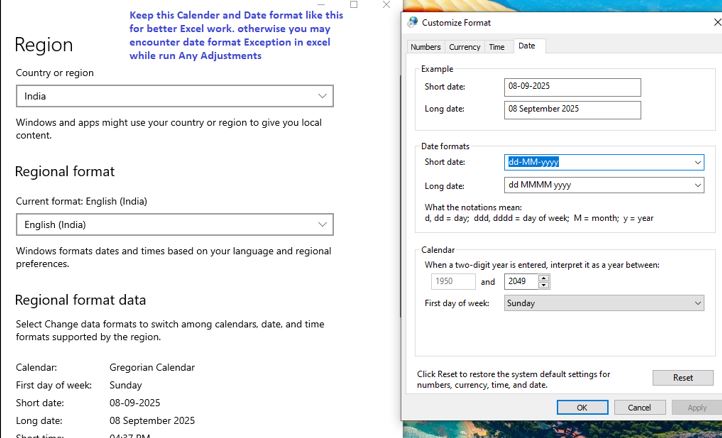
- Keep this Calender and Date format like this for better Excel work.
otherwise you may encounter date format Exception in excel while run Any Adjustments
- Office_Tools app doesn't needed macro enabled Excel. You can keep disabled in Trust Center.
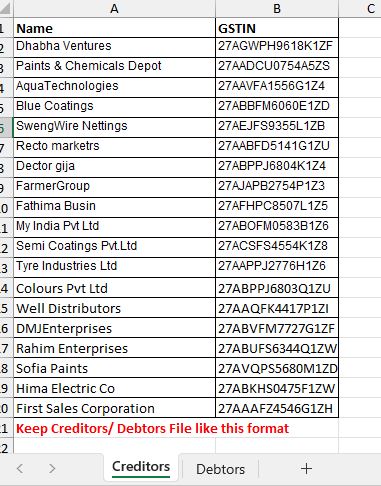
- Prepare Creditors List
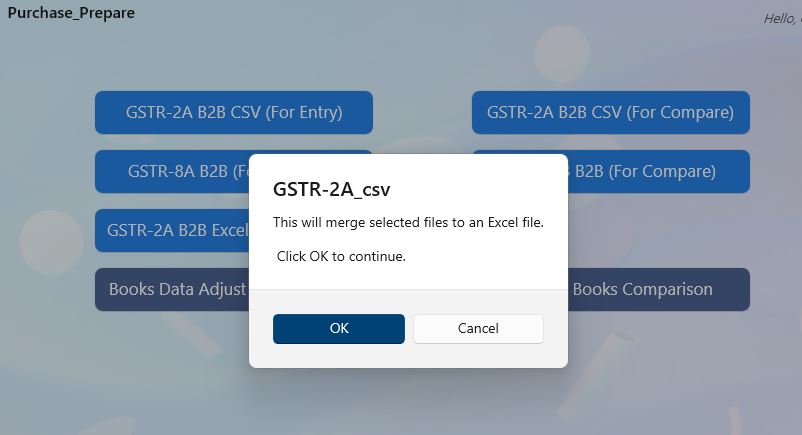
- Select csv or excel file as per need
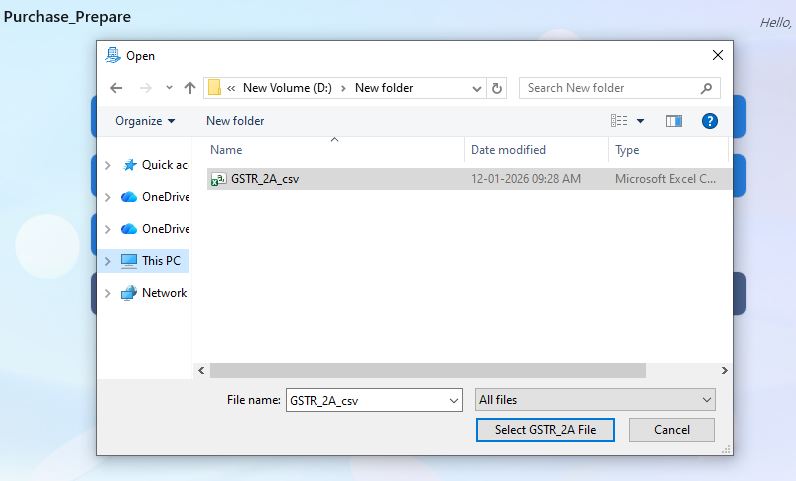
- Select Creditors excel file which is created.
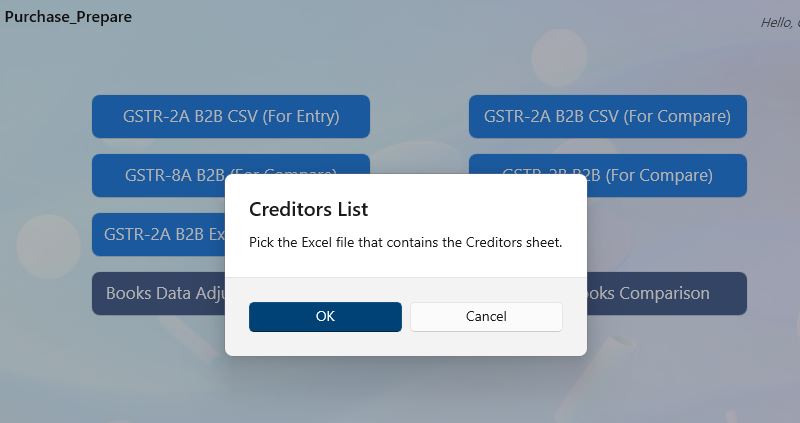
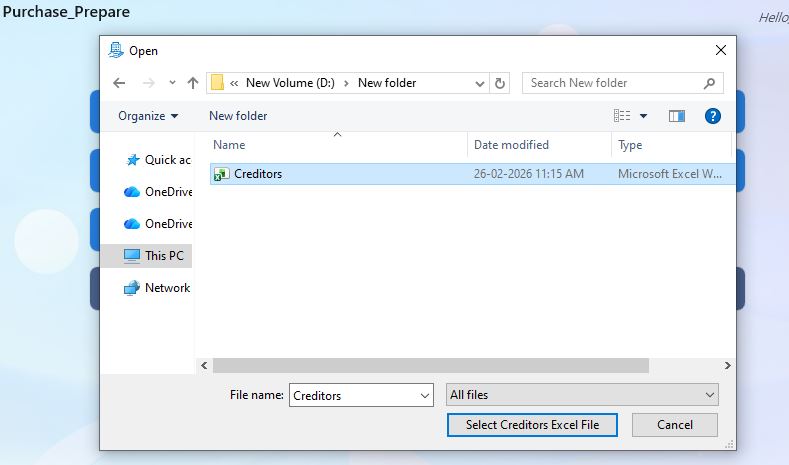
- Open File generated file and see for errors in Ready Datasheet
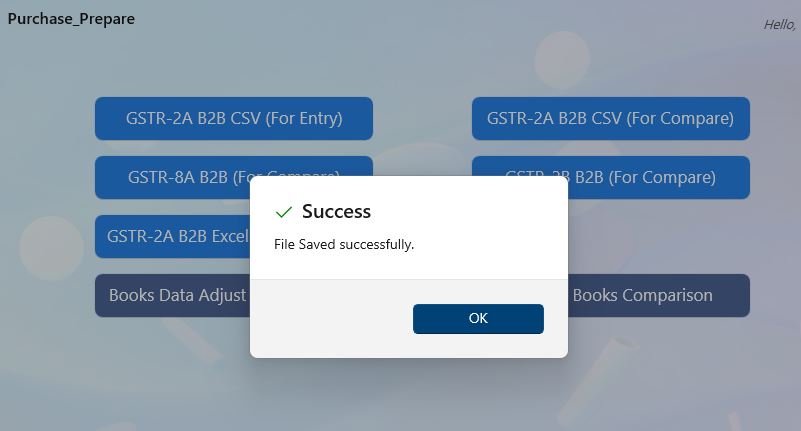
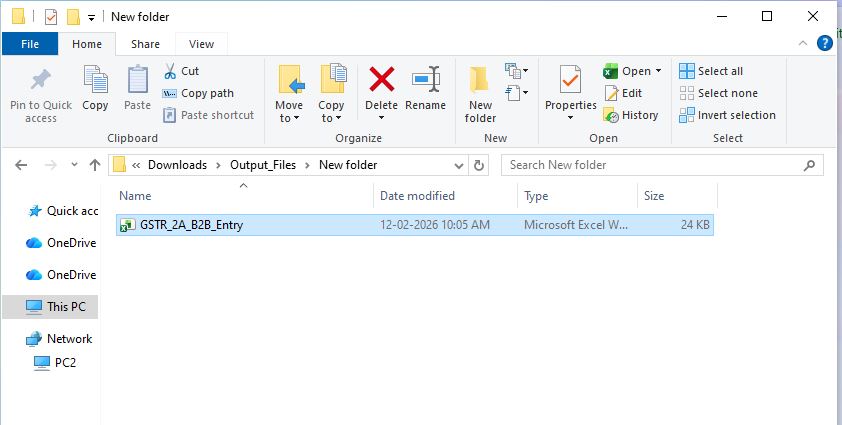
- If you see #NA in Name field (Ready Datasheet), that means NEW GSTIN not present in Creditors list,
lets update in Both Creditors Sheet as well as in your Original Creditors list Excel file for future proof.
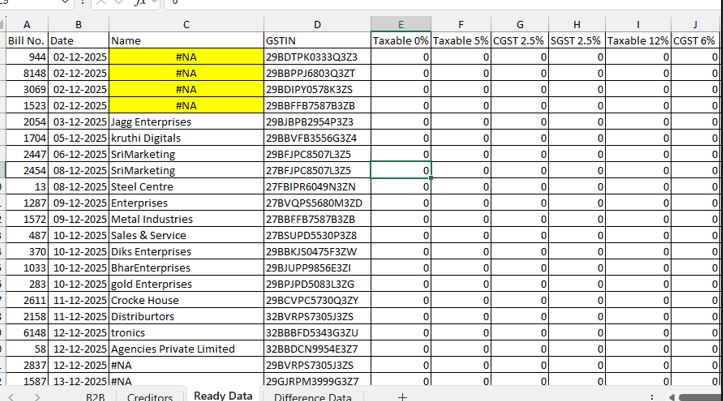
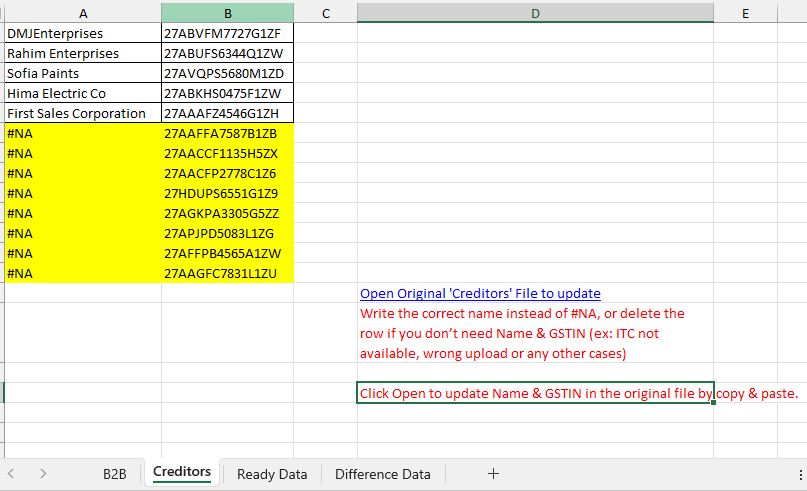
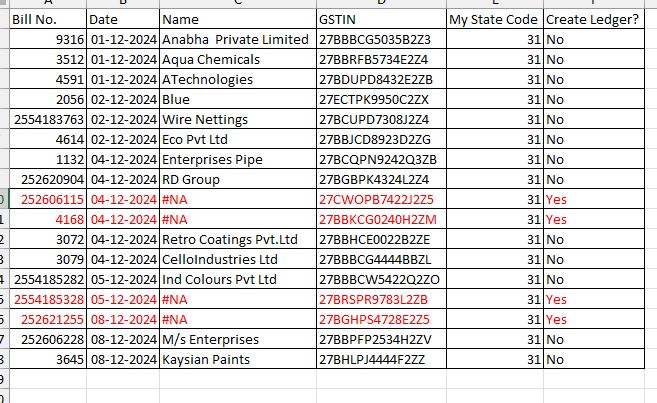
- See for Create Ledger? if Yes, and If you have #NA in Name field (Ready Datasheet), that means NEW GSTIN not present in Creditors list,
Lets update the name field like above and dont change Create Ledger? field., this should be added to Create Ledger on XML Generator.
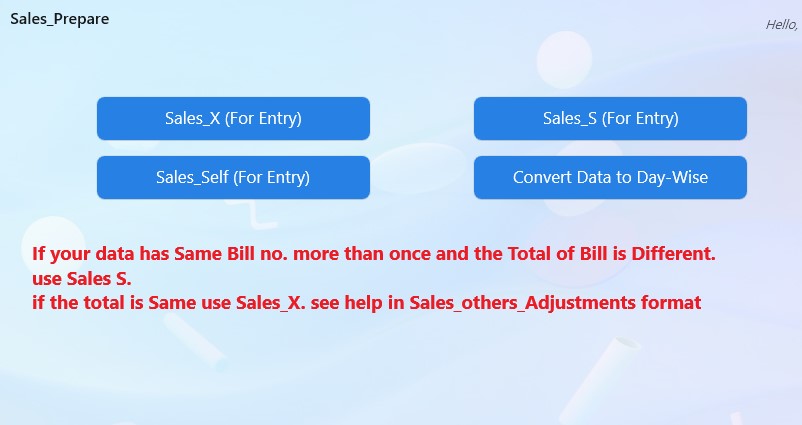
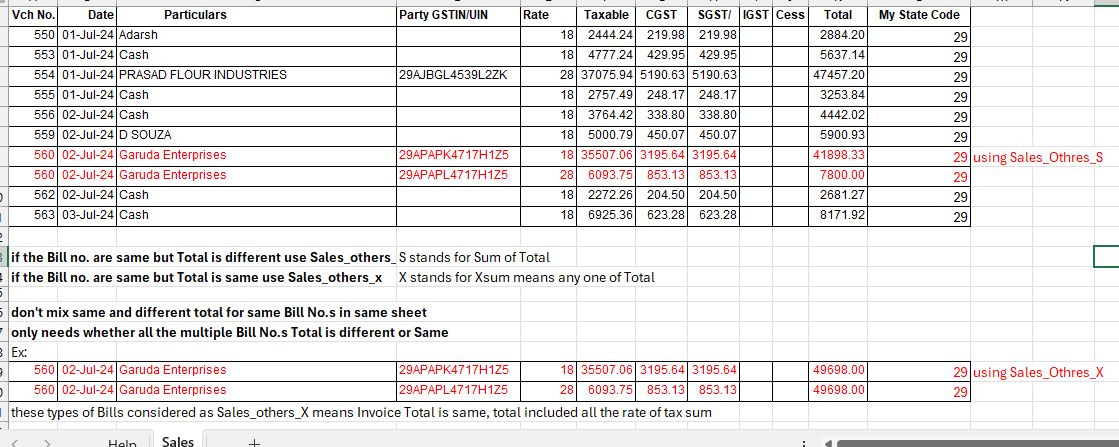
- For Sales Choose Sales_X or Sales_S see for Sales_others_Prepare_format help
- If your data has same Bill No. more than once and the Total is Same for related bill no. use Sales_others_X, if the Total is different use Sales_others_S
Back to Home