GSTR vs Books Comparison
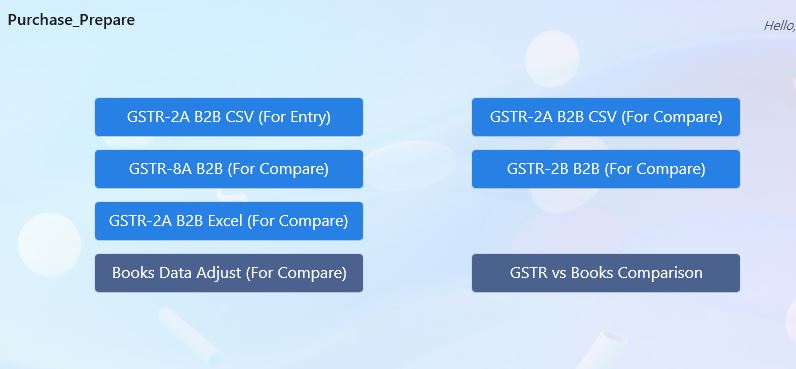
Step 1: Generate Excel file GSTR 2A csv or any GSTR file using Adjustment Compare section.
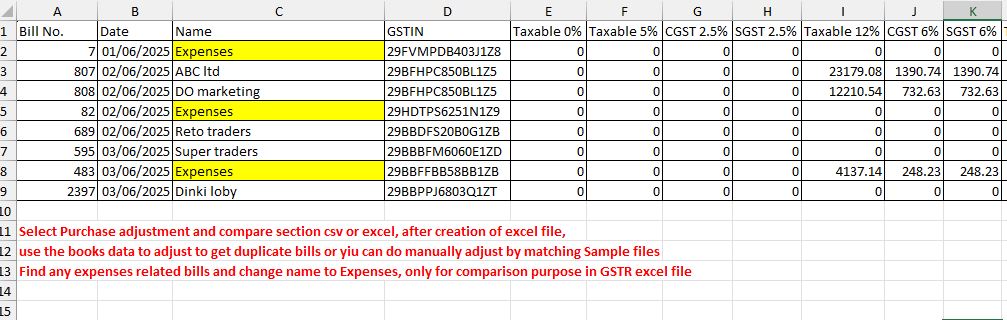
Step 2: Adjust the GSTR excel file for Expenses bills or if not expenses Write the correct name.
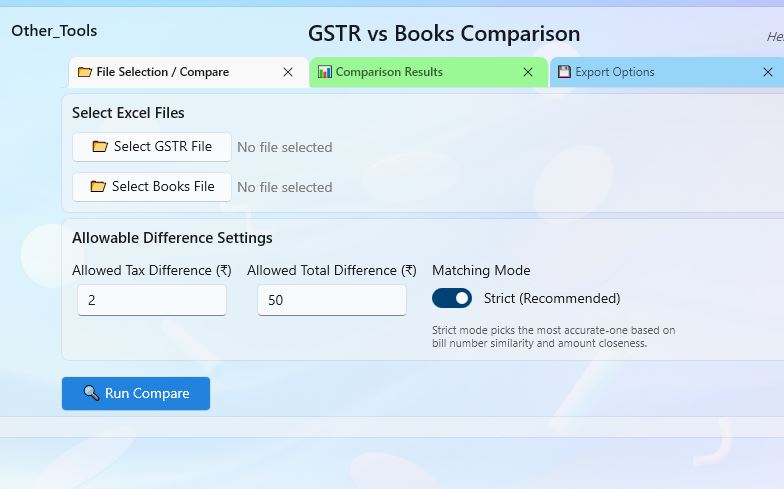
Step 3: Select the adjusted both GSTR and Books Data excel file and Run Compare then choose Export option to export
Back to Home