Voucher-Narration Correction
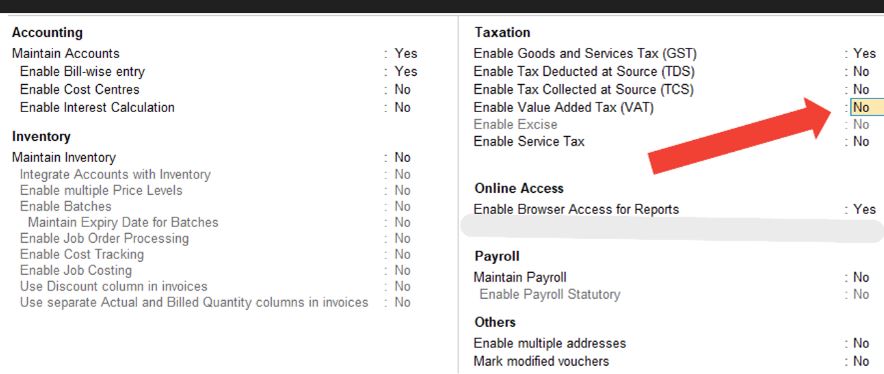
Step 1: First Configure your App same like this by press F12 (No to No, Yes to Yes)
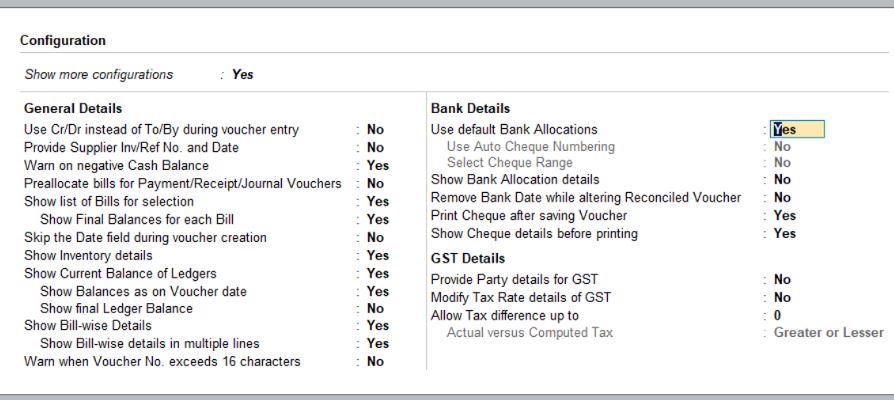
Step 2: Keep the data similar to this for correction
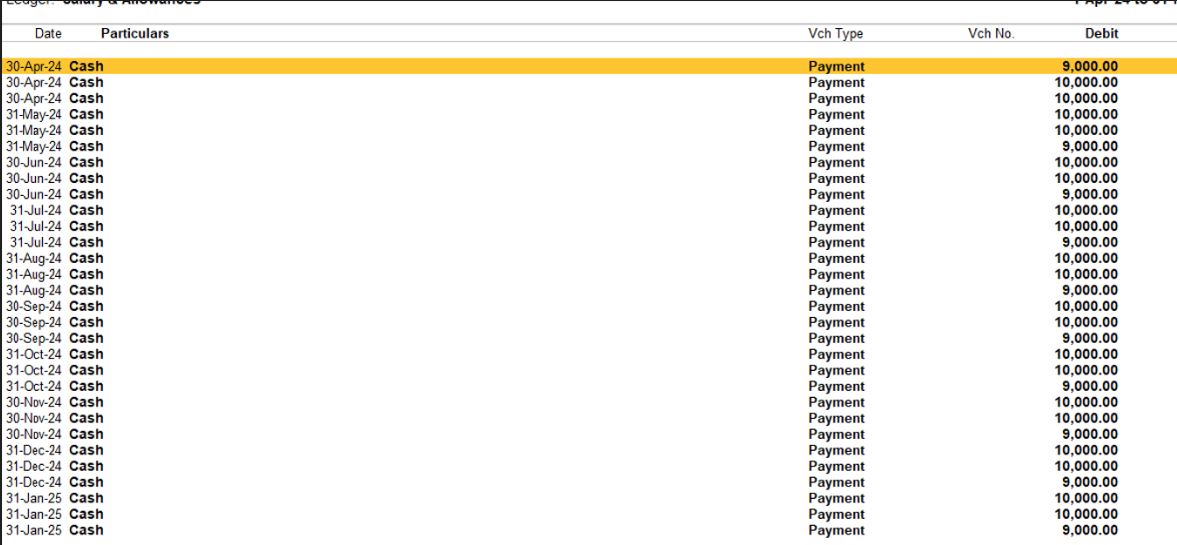
Next Step: Export this to Excel file do correction
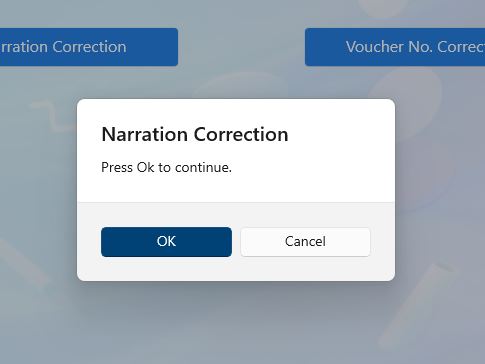
Step 3: Next run same for Voucher And Narration Correction
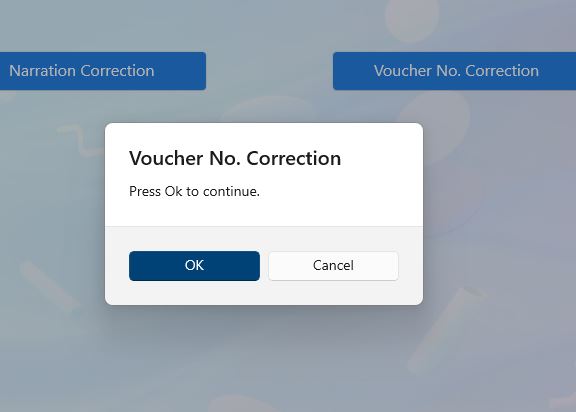
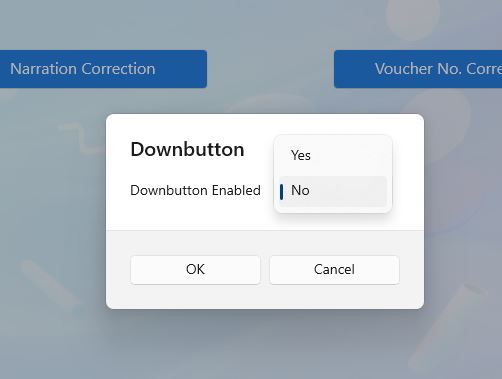
Set 'Yes' or 'No' for whether the keyboard Down button works. If 'Yes', after each correction it will press the Down button and go for next correction.
Step 4: Select Excel file for Correction. And keep Tally interface foreground for run
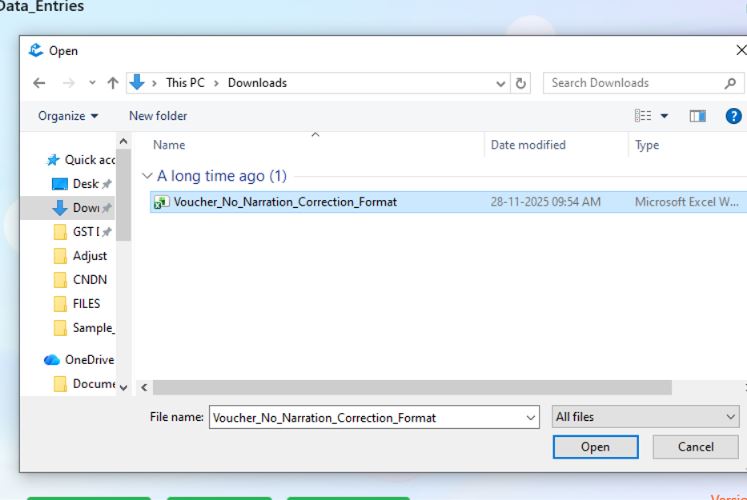
Step 5: And keep Tally interface foreground for run
Back to Data Entries