GSTR-9 Adjustments
Step 1: Selct HSN Direct (No Adjustments needed and data has in Clean format)
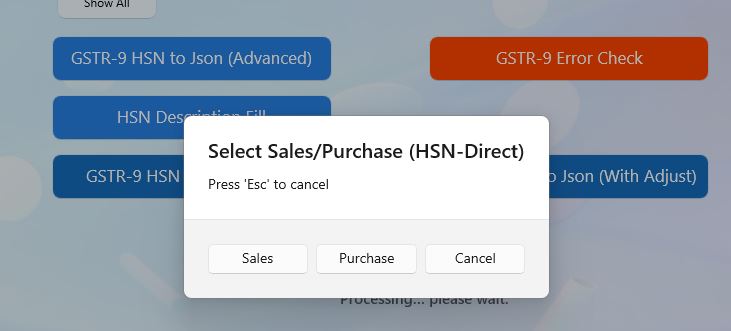
Step 2: Select Sales or Purchase as per need
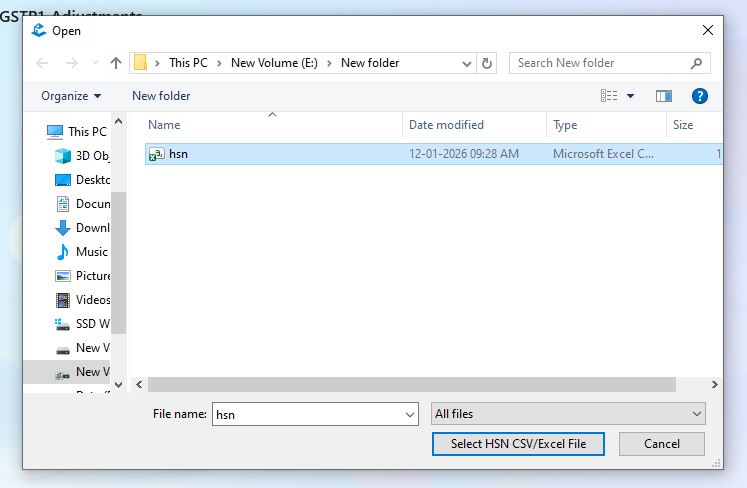
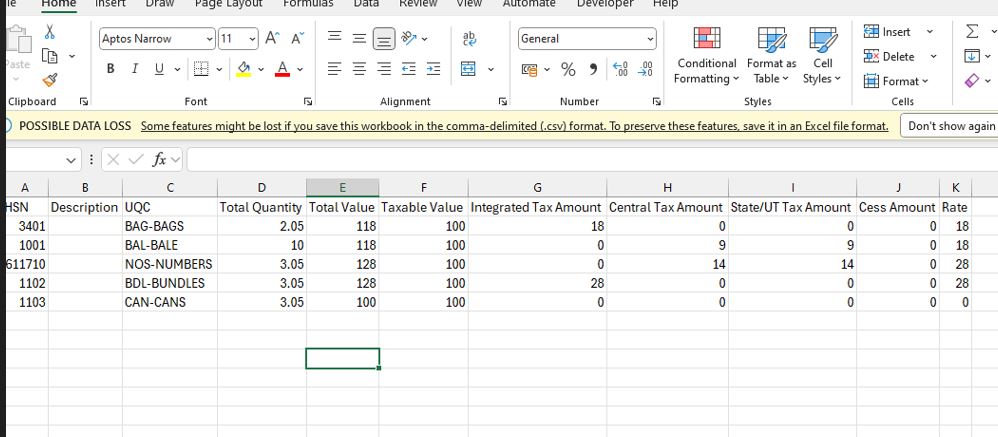
Step 3: Select HSN data csv or excel file
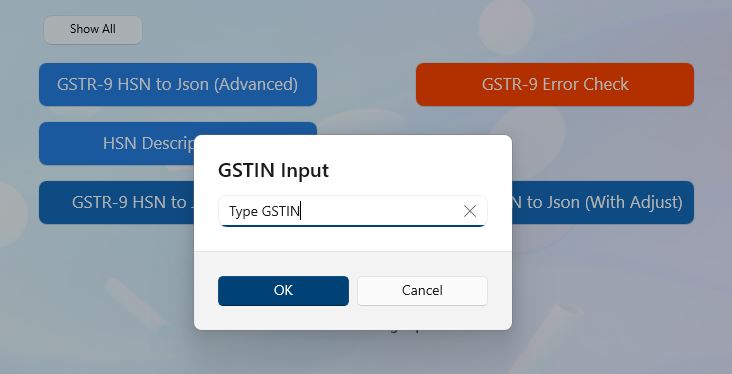
Step 4: Input GSTIN
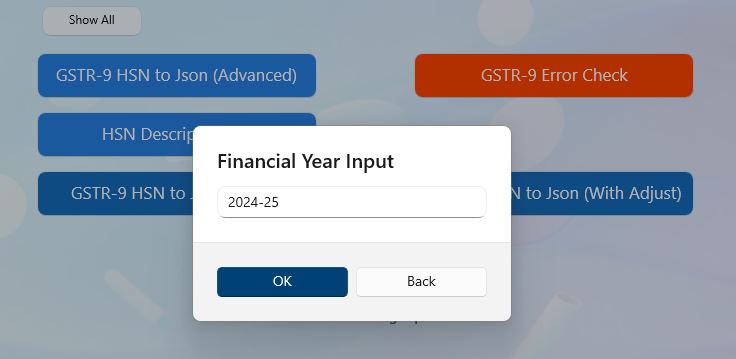
Step 4: Input Financial Year (YYYY-YY format only)
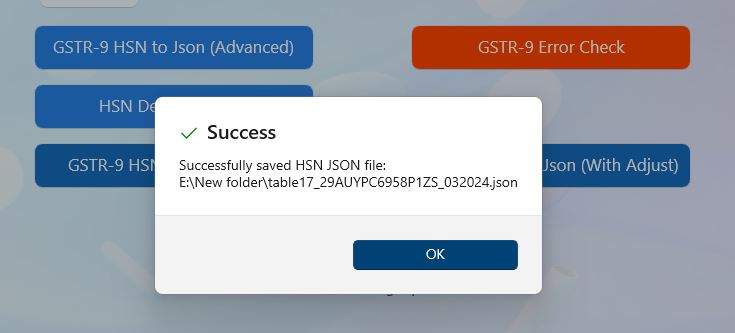
Step 5: File generated successfully
ERROR: If you get error while generate json file it will open new Excel file with details of error.
Erro file is created where csv file present.
Back to Home