All XML Generator
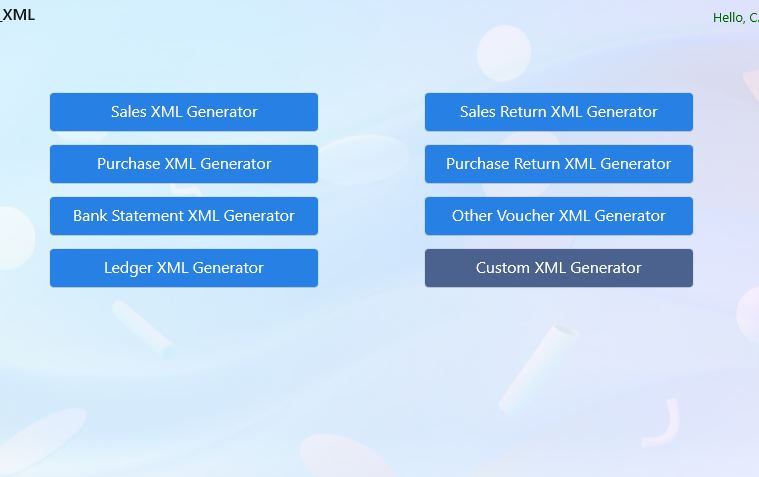
Step 1: Select any XML Generator
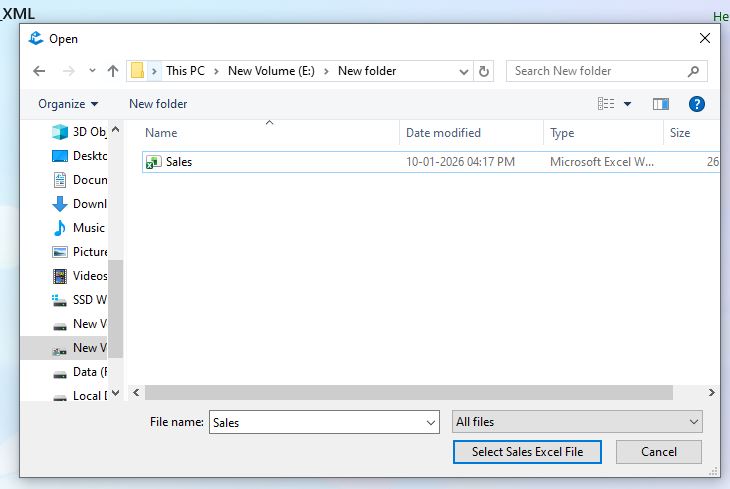
Step 2: Select Adjusted Excel files or Created by You with Clean format
Step 3: Select correct period
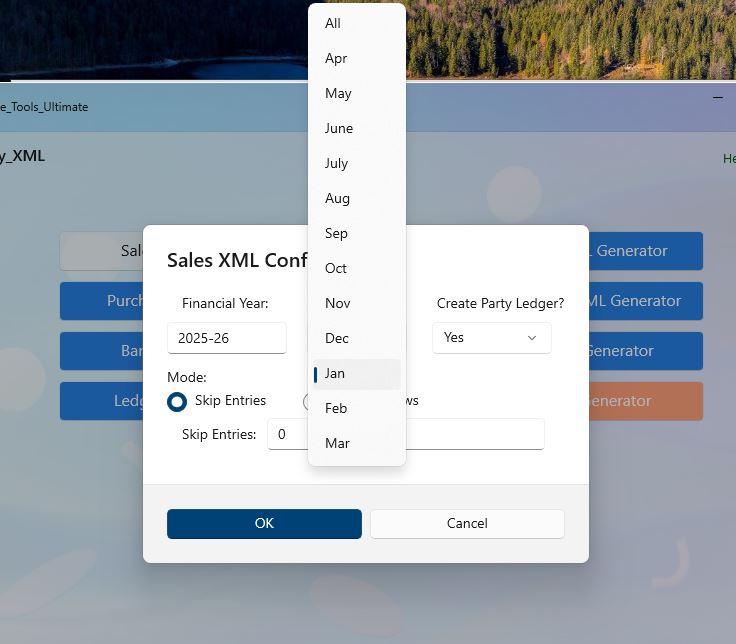
Step 4: Select ledger creation Yes/No. Note: if 'No' here and 'Yes' in excel then ledger is not created.
if 'Yes' here and 'No' in excel ledger is not created.
Only creates ledger if Yes in both excel and here.
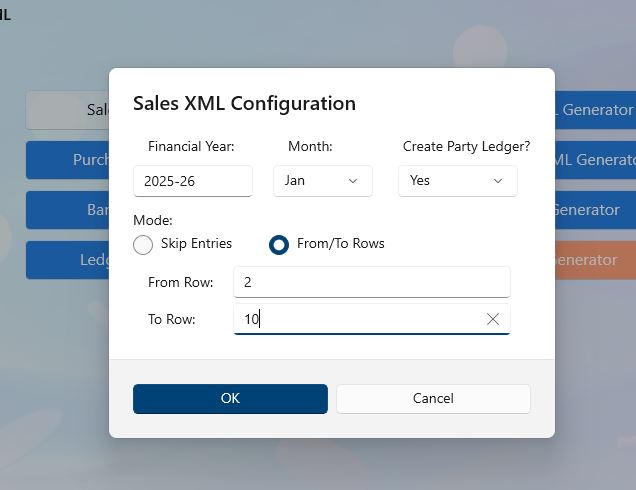
Step 5: Select Skip entries how much enties to be skiped data from Row 2 in Excel.
or Select from/to Row as per excel-row (including header), only that data will be fetched.
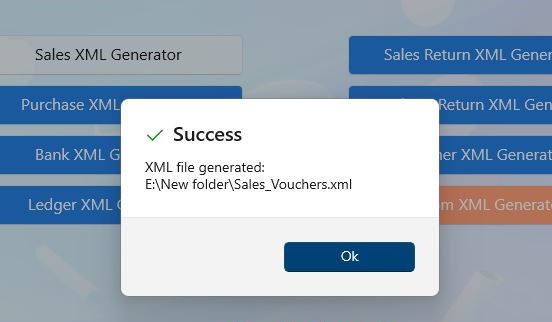
Step 6: If no error xml file will be generated successfully
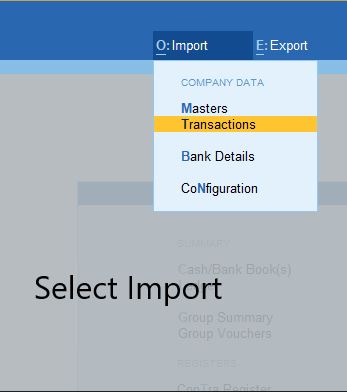
Step 7: Important: Select Import> "Transaction" or for Ledger Creation Select "Master"
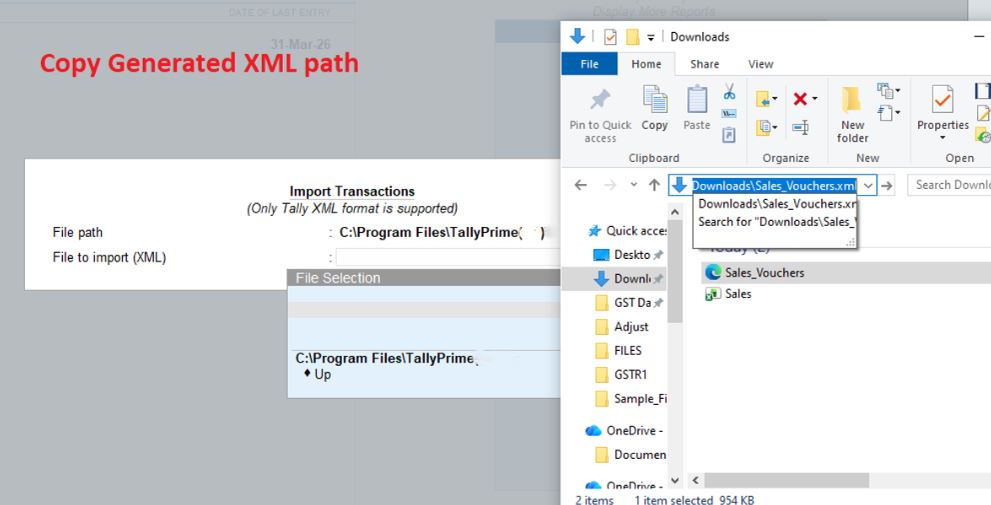
Step 8: Important: Copy path of generated XML file, by default app already copied path while generate"
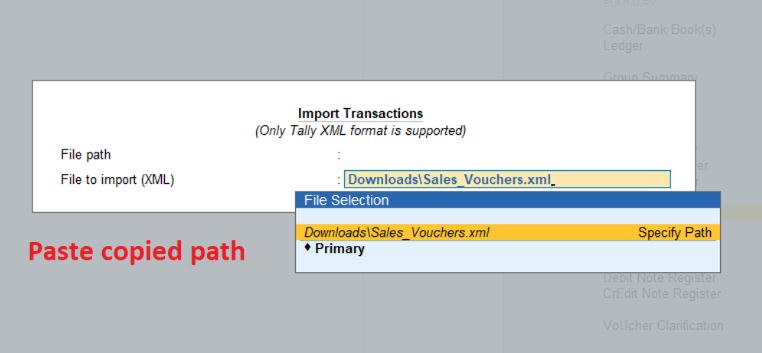
Step 9: Important: Past the path and select file"
Back to Home